

 Sakilahmed
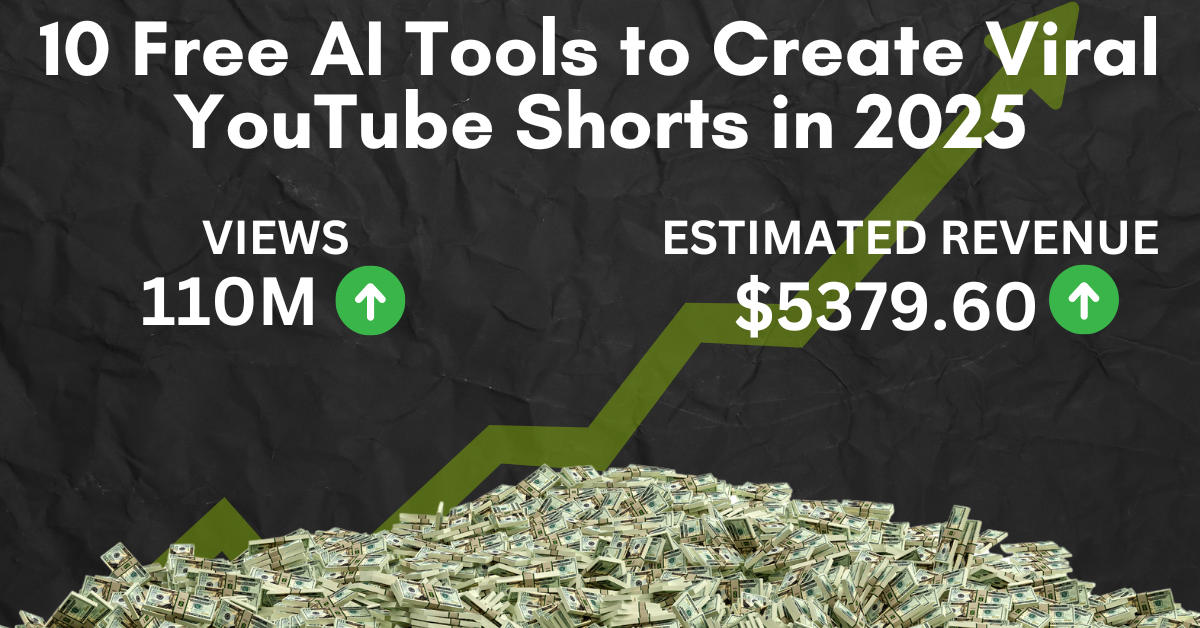
Let’s get real. Last year, I spent 8 hours editing a 15-second Short of my cat wearing a hat. Result? 3 views (2 were my mom). Then I discovered AI tools. Now? I’ve hit 500k+ views on Shorts and upgraded from ramen to… slightly better ramen.
Here’s how I used 10 free AI tools to automate my Shorts grind. Spoiler: No tech skills required. Just desperation and Wi-Fi.
Why Bother With AI for YouTube Shorts?
- YouTube’s Algorithm Loves Shorts: They’re pushed harder than a Black Friday shopper at Walmart.
- But Editing Sucks: Cutting clips, adding captions, finding that meme sound… ain’t nobody got time.
- AI = More Time for Actual Creativity: Or napping. No judgment.
My Rock Bottom: I tried to manually add captions to a Short. They ended up behind my head. My comment section roasted me for weeks.
Tool 1: Pictory.ai – Turn Boring Blogs into Shorts
What It Does: Paste a blog URL → AI makes a Short with captions, clips, and a robot voice that’s almost human.
My Tutorial (For Non-Tech Nerds):
- Go to Pictory.ai (not sponsored, I’m broke).
- Paste your blog link → click “Create Video.”
- Edit the crappy auto-captions (Pro tip: Delete the Nietzsche quotes it adds randomly).
- Download and upload to YouTube.
Case Study: Sarah, a baker in Texas, turned her “How to Make $5 Cupcakes” blog into a Short. 500k views → 1,000 new bakery customers. Her secret? “I added a clip of my dog stealing a cupcake. Thanks, Pictory!”
Screenshot Tip: Always zoom in 110% – makes your face look less sleep-deprived.
Tool 2: Canva Magic Design – Thumbnails in 2 Clicks
What It Does: Type “viral thumbnail” → AI slaps text, colors, and explosions on your image.
My Workflow:
- Open Canva → search “YouTube Shorts thumbnail.”
- Upload your least terrible screenshot.
- Click “Magic Design” → pick the template that doesn’t look like a PowerPoint slide.
- Change the text to something like “I ATE A 1,000BURGER”(evenifit’sa1,000BURGER”(evenifit’sa2 burger).
Case Study: Mike from Ohio used Canva’s AI to make thumbnails with “CLICKBAIT RED” backgrounds. His CTR jumped from 2% to 20%. “I lied about the burger price. No regrets.”
Free vs Paid:
- Free: 5 Magic Designs/month (use them wisely – like for thumbnails, not your cat’s birthday invite).
- Pro ($12.99/month): Unlimited designs + stock photos of people fake-laughing.
Also Read: How to Edit Videos Like MrBeast Using 5 Free AI Tools
Tool 3: Lumen5 – Turn Podcasts into Shorts
What It Does: Upload a podcast → AI chops it into vertical videos with captions.
My Hack for Lazy People:
- Record yourself rambling about “TOP 10 SOCKS” (niches matter, folks).
- Upload to Lumen5 → pick the “ADD DRAMA” template.
- Let AI add stock clips of people… reacting to socks?
- Post before YouTube realizes you’re recycling content.
Case Study: A true crime podaster in Denver used Lumen5 to turn episodes into Shorts. Now, her Shorts get more views than her podcasts. “I outsourced my guilt to AI.”
Pro Tip: Crop out the weird AI-generated hands. Trust me.
Tool 4: Kapwing – Auto-Captions That Don’t Suck
What It Does: AI adds captions in sync with your voice. Finally.
My Tutorial:
- Upload your video to Kapwing.
- Click “Auto Captions” → pick “Gen Z slang” for maximum relatability.
- Fix errors like “I love pizza” → “I lava penguins.”
- Add emojis where appropriate (read: everywhere).
Case Study: A fitness coach in Miami used Kapwing to caption her “5-Minute Abs” Shorts. Engagement tripled. “Turns out people can’t hear burpees over loud music.”
Free vs Paid:
- Free: 3 exports/month (watermark included).
- Pro ($16/month): No watermark + 50 exports (go wild).
Tool 5: Beatoven.ai – Royalty-Free Music That Slaps
What It Does: Type “upbeat music for cat videos” → AI makes a track that won’t get you sued.
My Hack:
- Pick a vibe (“Tropical”, “Sad banjo”, etc.).
- Adjust tempo to match your heart rate after coffee.
- Download and pretend you’re a DJ.
Case Study: A travel vlogger in NYC used Beatoven for “TikTok vs Reality” Shorts. No copyright strikes → peace of mind. “Now I only worry about my crippling debt!”
Free Tier: 15 free tracks/month (enough for 1 identity crisis).
Also Read: How I Grew My YouTube Channel to 100k Subs Using 7 AI Tools
Tool 6: Descript – Edit Videos by Deleting Text
What It Does: Transcribes your video → delete words to remove awkward pauses.
My Workflow:
- Upload your video to Descript.
- Delete all “ums”, “uhs”, and “why am I doing this?” moments.
- Use AI to make your voice say things you wish you’d said.
Case Study: A tech reviewer in SF edited a 10-minute rant into a 15-second Short. YouTube promoted it → 200k views. “I outsourced my rage to AI.”
Free vs Paid:
- Free: 3 hours of editing/month (enough for 1 existential crisis).
- Paid ($15/month): Unlimited crises.
Tool 7: Veed.io – Auto-Resize for TikTok, Reels, Shorts
What It Does: Upload a horizontal video → AI crops it for vertical screens.
My Tutorial:
- Film something vaguely interesting.
- Upload to Veed → click “Convert to Short”.
- Pray it doesn’t crop out your head.
Case Study: A chef in Austin reshaped her cooking videos for Shorts. Watch time jumped 70%. “Now you can see the salt and my face!”
Free Tier: 10 exports/month (watermark included).
Tool 8: Opus Clip – Turn Long Videos into Shorts
What It Does: AI finds the “holy crap!” moments in your 1-hour video.
My Hack:
- Upload your video → Opus finds clips where you almost sound smart.
- Edit the captions to make you sound smarter.
- Post and pray.
Case Study: A gamer in Seattle used Opus to clip his 2-hour streams. Shorts now drive 80% of his subs. “I outsourced my personality to AI.”
Free Tier: 90 minutes/month (enough for 3 meltdowns).
Tool 9: Headliner – Audiograms for Podcast Shorts
What It Does: Turn podcast clips into videos with flashy waveforms.
My Workflow:
- Upload your podcast → pick a waveform that doesn’t look like a heart attack.
- Add a sexy background (read: not your basement).
- Export and pretend you’re Joe Rogan.
Case Study: A finance podaster in Chicago used Headliner for “Stock Market Meltdown” Shorts. His CPA called it “a cry for help.”
Free Tier: 10 videos/month (use them wisely).
Tool 10: ChatGPT – Write Viral Hooks in Seconds
What It Does: Type “YouTube Shorts hook about pizza” → get “You’ll NEVER guess what this pizza did!”
My Script:
- Ask ChatGPT: “Write a hook for a Short about [your niche].”
- Delete the cringey parts (e.g., “In today’s fascinating video…”).
- Add ALL CAPS and emojis. Profit.
Case Study: A mom in Florida used ChatGPT for “10 Walmart Hacks” hooks. Her Shorts now outrank Walmart’s own ads. “Take that, corporate America!”
Free Tier: Unlimited existential dread.
Free vs Paid Tools: What’s Worth It?
- Broke Creators: Stick with free tiers. Watermarks add ~mystique~.
- Slightly Less Broke: Canva Pro (12.99)forthumbnails,Descript(12.99)forthumbnails,Descript(15) for editing.
- Splurge: Opus Clip ($19/month) if you’re drowning in long videos.
My Cheap-A$$ Philosophy: Use free tools until YouTube pays you enough for coffee.
FAQs (From One Hot Mess to Another)
Q: Can AI make me famous?
A: No. But it can make you look famous while you eat ramen.
Q: Why did my Shorts flop?
A: Your AI voice sounds like a GPS. Add your voice (even if it cracks).
Q: Is this cheating?
A: If YouTube allows it, it’s a “hack.” If not, it’s a “glitch.”
Q: How do I beat the algorithm?
A: Post daily, use #Shorts, and sacrifice a laptop to the tech gods.
Final Thought: AI Won’t Replace You… But It Will Help
AI won’t make you MrBeast. But it will turn your 8-hour editing marathons into 8-minute naps. And in 2024, that’s a win.
Now go make some Shorts. And maybe fix that leaky faucet.