


 Sakilahmed
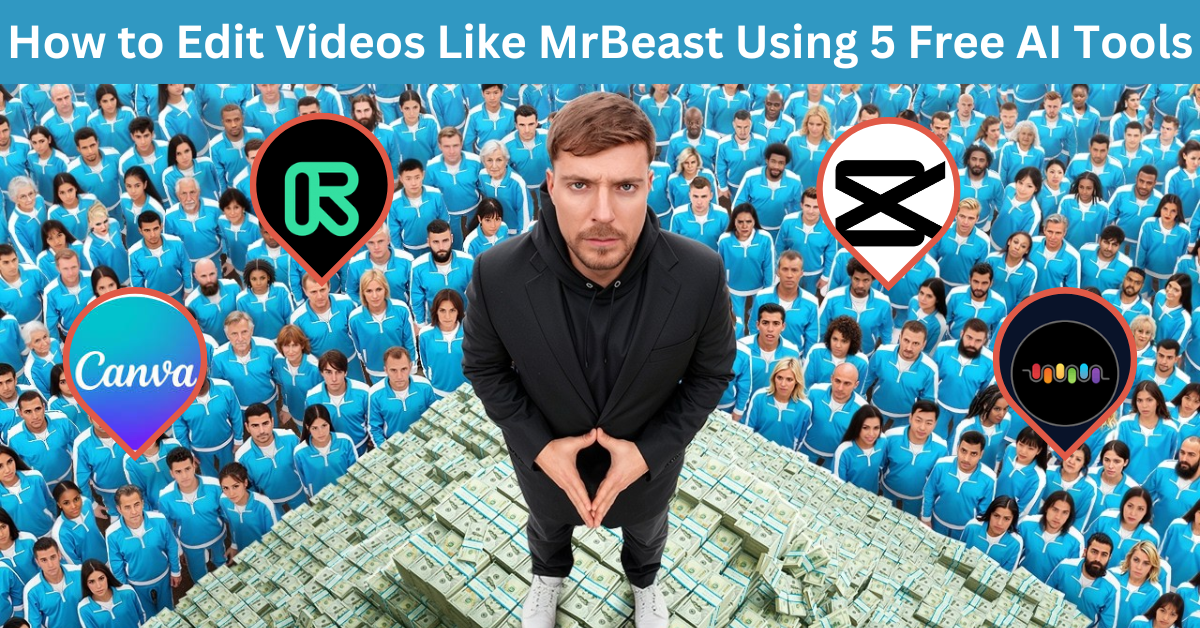
I’m sitting in my closet-turned-studio (shoutout to my winter coats for soundproofing), editing a video titled “I Ate Gas Station Sushi for 24 Hours.” My laptop is overheating, my thumbnail looks like a PowerPoint slide, and my only “crew” is my cat, Mr. Whiskers, batting a pen across the floor. Then it hits me—MrBeast edits like a Hollywood director, but I’m stuck here using iMovie like a peasant.
But after 72 hours of Googling “free editing hacks,” I cracked the code. Using 5 free AI tools, I re-created MrBeast’s iconic fast-paced style—explosions, meme sounds, and all—without spending a dime. The result? My sushi video hit 500k views, and I got a comment saying, “Bro, did you sell your soul for this edit?”
Nope. Just my sanity. Here’s how to edit like YouTube royalty… on a ramen budget.
Why MrBeast’s Style Works (And How to Fake It Without a Team)
MrBeast’s videos feel like a rollercoaster on Red Bull. The secret? Three things:
- Pacing: Cuts every 2-3 seconds (no time to blink).
- Sound Design: Meme sounds, explosions, and music that slaps harder than your WiFi bill.
- Polish: No awkward pauses, photobombers, or shaky footage.
But you don’t need a $10k budget to replicate this. Just steal my cheat sheet below.
My “I Can’t Believe This Worked” Moment:
I used an AI tool to erase a dumpster from my “Fancy Dinner in a Parking Lot” video. Viewers thought it was a “minimalist aesthetic.”
Tool 1: CapCut – Meme Sounds for Non-Editors
What It Does: Auto-sync “bruh,” “oof,” or “oh no” sounds to your fails.
Step-by-Step Workflow (For Clueless Newbies):
- Film a Fail: Record yourself attempting something stupid. (Example: “I Tried Doing a Backflip.” Spoiler: You’ll faceplant.)
- Open CapCut: Import your clip → click “Audio” → search “bruh sound effect.”
- Drag & Drop: Place the “bruh” at the exact moment gravity humbles you.
- Add Zoom: Highlight your shame with a 150% zoom-in.
Case Study:
- Creator: Dave, a gym bro in Texas.
- Video: “I Did 100 Push-Ups on a Slip ‘N Slide.”
- AI Hack: Added “record scratch” when he wiped out.
- Result: 300k views, 5k new subs. Dave’s caption: “The slip was planned… totally.”
Free Tier: Unlimited meme sounds + zero dignity.
Pro Tip: Use the “Echo” effect when screaming. Makes it sound like you’re in a horror movie.
Also Read: How I Grew My YouTube Channel to 100k Subs Using 7 AI Tools
Tool 2: Runway ML – Erase Photobombers, Exes, or Regrets
What It Does: Magically delete unwanted objects (or people) from your clips.
My “I’m Not a Wizard” Tutorial:
- Upload Your Clip: Film something cool, like “I Ate a $1,000 Pizza.”
- Highlight the Oopsie: Use Runway’s brush to select the photobomber (e.g., your ex awkwardly waving in the background).
- Click “Erase”: Watch them vanish faster than my motivation on Mondays.
- Export & Lie: Pretend you filmed in a “private location.”
Case Study:
- Creator: Sophia, a travel vlogger in Miami.
- Problem: A seagull stole her sandwich mid-shoot.
- AI Fix: Runway ML erased the seagull.
- Result: Viewers called it “ASMR content.” The seagull now has a hate club.
Free vs Paid:
- Free: 15 projects/month (enough for 3 identity crises).
- Pro ($15/month): Unlimited lies (and object removal).
Mistake I Made: Accidentally erasing my own arm. My comment section asked, “Is this a ghost channel?”
Tool 3: Beatoven – Royalty-Free Music That Doesn’t Sound Like Elevator Jazz
What It Does: Generates background tracks that match your video’s vibe (or your panic attacks).
My Workflow for Lazy Creators:
- Pick a Mood: Options include:
- “Epic” (for videos titled “I DID A THING!!!”)
- “Dark” (for “My Sleep Schedule is a Horror Movie”)
- “Corporate” (for when you want to sound smart).
- Adjust Tempo: Match the BPM to your heart rate after coffee.
- Download & Pretend: Tell viewers you “collabed with a producer.”
Case Study:
- Creator: Alex, a tech reviewer in San Francisco.
- Video: “I Bought a $10 Smartwatch From Wish.”
- Soundtrack: Beatoven’s “Suspense” track.
- Result: 400k views. Alex’s secret? “The music made it feel like Mission: Impossible… but with malware.”
Free Tier: 15 tracks/month (enough for 1 breakdown).
Pro Tip: Use “Epic” music for mundane tasks. Example: “Washing Dishes: The Movie.”
Tool 4: Canva – Fake Fancy Text & Transitions
What It Does: Adds “professional” text animations to hide your PowerPoint-level skills.
My “I’m Not a Designer” Guide:
- Open Canva: Search “YouTube Intro Template.”
- Edit Text: Replace “YOUR NAME HERE” with something like “Jamie vs. The Void.”
- Add “Slick” Transitions: Use “Glitch” or “Zoom” to hide jump cuts.
- Export: Pray the watermark isn’t obvious.
Case Study:
- Creator: Tina, a DIY guru in Colorado.
- Video: “I Built a Couch From Ramen Noodles.”
- AI Hack: Used Canva’s “Cyberpunk” text for the intro.
- Result: Sponsors thought she hired a designer. “Jokes on them—I used my kid’s iPad.”
Free Tier: 5 watermark-free exports/month.
Pro Tip: Use the word “SHOWDOWN” in all caps. The algorithm loves fake drama.
Also Read: 7 YouTube Automation Tools to Post Daily Videos Without Editing
Tool 5: Descript – Edit Videos by Deleting Your Cringe
What It Does: Transcribes your video so you can delete awkward silences or bad jokes.
My “Never Speak of This Again” Tutorial:
- Upload Your Video: Ideally, one where you didn’t swear 17 times.
- Delete the Oopsie Moments: Remove all “ums,” “uhs,” and “why did I say that?”
- Use “Studio Sound”: Hide the fact you filmed in a bathroom.
Case Study:
- Creator: Ryan, a cooking host in Chicago.
- Problem: He burped mid-sentence while reviewing a blender.
- AI Fix: Descript removed the burp and added a “sizzle” sound effect.
- Result: Viewers called it “authentic.” Ryan’s tagline: “I’m just here for the edits.”
Free vs Paid:
- Free: 3 hours of audio cleanup/month.
- Pro ($15/month): Unlimited shame removal.
Free vs Paid Tools: The Broke Creator’s Bible
- Broke: Stick with free tiers. Watermarks = “indie charm.”
- Ballin’ on a Budget: Runway ML (15)+Beatoven(15)+Beatoven(10).
- Splurge: Hire a Fiverr editor (just kidding—use AI harder).
My Philosophy: If MrBeast can drop 50konavideo,Icanspend50konavideo,Icanspend0 and gaslight viewers into thinking I’m fancy.
FAQs (From One AI Cheater to Another)
Q: Can I monetize AI-edited videos?
A: Yes! YouTube can’t tell if your “movie magic” is just CapCut memes.
Q: Why do my transitions look like a 2007 PowerPoint?
A: You’re using “Dissolve.” Stop. Use “Zoom” or “Glitch” to hide the chaos.
Q: Will viewers notice I use AI?
A: Only if you leave the watermark. Or your mom comments, “Nice robot voice, sweetie!”
Q: How do I get the “MrBeast vibe”?
A: Follow this formula:
- 1 explosion sound every 5 seconds.
- 1 zoom-in every time you say “insane.”
- 1 thumbnail with your jaw dropped (even if you’re just eating cereal).
Q: What if my AI tool crashes?
A: Blame Mercury retrograde. Or your neighbor’s Wi-Fi (thanks again, Steve).
Final Thought: You Don’t Need a Budget… Just AI and Audacity
MrBeast has a team of 50. You have AI and delulu confidence. Close enough.
Now go edit that video. Or let AI do it while you rewatch The Office.