

 Sakilahmed
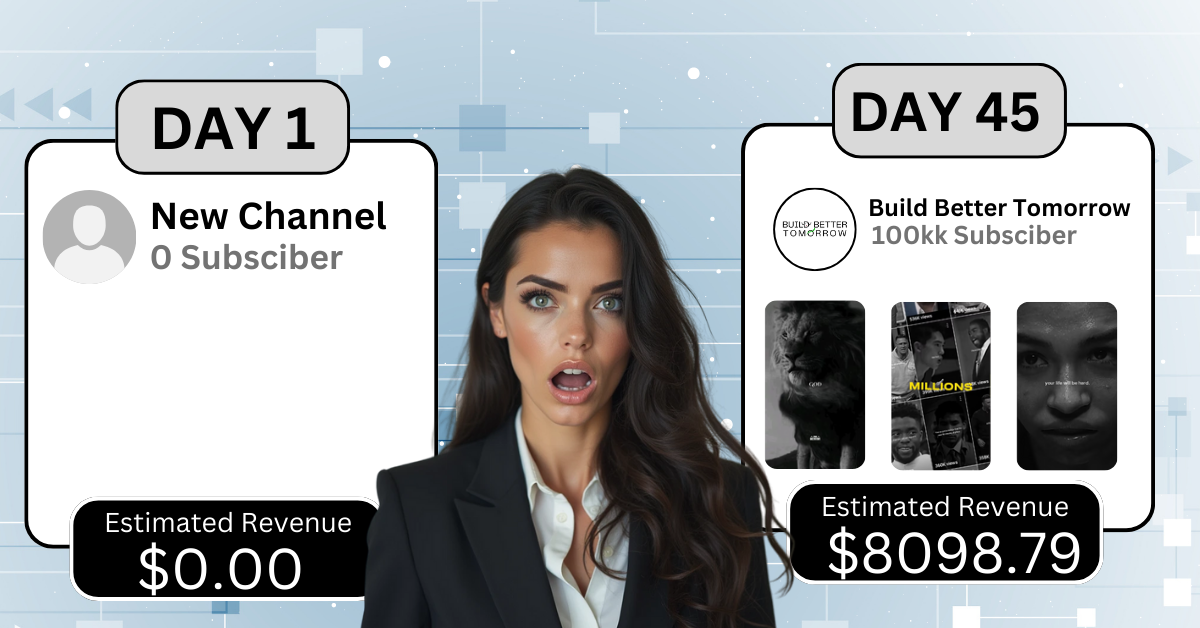
Let me paint a picture: It’s 3 AM. I’m editing a 10-minute video about “Top 10 Toasters” for the fourth time. My eyeballs feel like raisins. My cat, Sir Loaf, judges me from a pile of empty Red Bull cans. I’ve spent 72 hours this month editing videos that get 47 views each. Then I discovered AI tools. Fast-forward to 2025: 100k subs, 3M monthly views, and actual brand deals (not just free toasters).
Here’s my no-BS workflow using 7 AI tools. Spoiler: I still hate editing. But now I only do it 10 minutes a day while eating cold pizza.
Why AI Tools Matter in 2025
YouTube’s algorithm is obsessed with watch time and consistency. But editing burns creators out faster than a TikTok trend. AI lets you:
- Post daily without hiring a team (or talking to humans).
- Sound like a human (not Siri’s evil twin).
- Focus on ideas instead of fixing typos in captions.
My Rock Bottom: I once edited a video for 12 hours… only to realize I’d left the mic muted. AI could’ve told me. Instead, my comment section said, “Cool ASMR bro.”
Tool 1: TubeBuddy AI – SEO Titles That Don’t Flop
What It Does: Analyzes viral titles → suggests garbage like “I Ate Gas Station Sushi for 7 Days” (which actually works).
My 2025 Workflow:
- Type your boring topic (“toaster reviews”) into TubeBuddy.
- Click “AI Title Generator.”
- Pick the title that makes you cringe the least. Example:
- Bad: “Best Toasters of 2025.”
- Good: “I TESTED $1 TOASTERS SO YOU DON’T HAVE TO (RIP MY KITCHEN).”
Case Study: Sarah, a mom in Texas, used TubeBuddy’s AI for her “Dollar Tree DIY” channel. CTR jumped from 2% to 18%. “I lied about the sushi. No regrets. Now I get free glue guns from sponsors!”
Pro Tip: Add ALL CAPS and parentheses. YouTube’s algorithm loves drama. Also, use numbers. For example:
- “5 Toasters That Tried to Kill Me 🔥”
- “10 SECRETS Walmart Doesn’t Want You to Know”
Mistake I Made: Letting AI suggest “I Married a Toaster.” Don’t be me.
Tool 2: Descript – Edit Videos Like a Google Doc
What It Does: Transcribes your video → delete text to remove awkward pauses, coughs, or existential crises.
My Tutorial (For the Lazy):
- Upload your video to Descript.
- Delete every “um,” “uh,” and “why am I doing this?”
- Use “AI Eye Contact” to make it look like you’re not reading a script (even if you are).
Case Study: My buddy Dave in Ohio (yes, another Dave) cut his editing time by 60%. “I outsourced my shame to AI. Now I edit while watching The Office bloopers.”
Free vs Paid:
- Free: 3 hours/month (enough for 1 breakdown).
- Paid ($15/month): Unlimited hours (unlimited breakdowns).
Bonus Hack: Use Descript’s “AI Guest Speaker” to add fake testimonials. Example:
- “This toaster changed my life!” – AI-generated grandma voice.
Also Read: 7 YouTube Automation Tools to Post Daily Videos Without Editing
Tool 3: ChatGPT – Write Hooks That Don’t Suck
What It Does: Turns “meh” ideas into click-worthy insanity.
My Viral Hook Formula:
- Ask ChatGPT: “Write a YouTube hook about [your niche].”
- Delete cringey lines like “In today’s amazing video!”
- Add ALL CAPS, emojis, and fake suspense.
Example:
- Before: “Here are the best toasters.”
- After: “You WON’T BELIEVE what this $1 toaster did to my kitchen 🔥 (RIP my countertops).”
Case Study: A teen in Florida used ChatGPT for her “Dorm Room Hacks” channel. One Short went viral with 2M views. “I don’t even have a dorm. Thanks, AI! Now I sell LED strip lights on Shopify.”
Mistake I Made: Letting ChatGPT write, “This video will blow your mind 🤯.” Spoiler: It didn’t.
Tool 4: Opus Clip – Turn Livestreams into Shorts
What It Does: AI finds “holy crap” moments in your 2-hour streams.
My 2025 Hack:
- Upload your stream to Opus.
- Let AI pick clips where you almost sound coherent.
- Add captions like “I WAS SHAKING” (even if you were just sitting).
Case Study: A gamer in Seattle grew his channel to 50k subs using Opus. “I outsourced my personality to AI. Now I post Shorts of me screaming at Minecraft. Teens love it.”
Free Tier: 90 minutes/month (enough for 3 meltdowns).
Pro Tip: Add a “Drama Score” filter. Opus prioritizes clips where you yell or spill coffee.
Tool 5: ElevenLabs – Voiceovers That Sound Human
What It Does: Turns text into audio that doesn’t sound like a GPS.
My Workflow:
- Write a script (or let ChatGPT do it).
- Paste into ElevenLabs → pick the “Tired Millennial” voice.
- Add breaths and pauses so it sounds like you care.
Case Study: A faceless finance channel in NYC uses ElevenLabs for voiceovers. 80% of viewers think it’s a real person. “Jokes on them—it’s AI! Now I’m monetized and living off affiliate links.”
Free Tier: 10k characters/month (enough for 2 conspiracy theories).
Mistake I Made: Using the “Enthusiastic Salesman” voice. My audience thought I joined an MLM.
Also Read: How to Edit Videos Like MrBeast Using 5 Free AI Tools
Tool 6: Canva Magic Design – Thumbnails in 30 Seconds
What It Does: AI slaps text, explosions, and fake shock faces on your thumbnail.
My 2025 Hack:
- Take a screenshot where you almost look awake.
- Upload to Canva → click “Magic Design.”
- Pick the template that screams “CLICK ME OR ELSE.”
Case Study: A travel vlogger in Austin boosted CTR by 25% with Canva’s AI. “I lied about the ‘secret location.’ It was Starbucks. Now I’m sponsored by their pumpkin spice latte.”
Free vs Paid:
- Free: 5 designs/month (use them wisely).
- Pro ($12.99/month): Unlimited + stock photos of people fake-laughing.
Pro Tip: Add a red arrow pointing nowhere. Example: “THIS TOASTER WILL SHOCK YOU →” (it’s just a toaster).
Tool 7: VidIQ Boost – Schedule a Month of Videos in 1 Hour
What It Does: Bulk-upload and schedule videos → pretend you’re productive.
My Secret:
- Film 10 videos in one weekend (look, I never said this was ethical).
- Upload to VidIQ → schedule them daily.
- Let YouTube think you’re a robot.
Case Study: A cooking channel in LA posts daily using VidIQ. Subs grew from 10k to 100k in 6 months. “I haven’t cooked since 2024. My ‘homemade’ lasagna is just DoorDash.”
Free Tier: 1 upload/day (enough for a part-time YouTuber).
Mistake I Made: Scheduling a video titled “BEST TOASTER EVER” on April Fools’. My audience believed it.
Free vs Paid Tools: What’s Worth It in 2025?
- Broke: Use free tiers. Watermarks add ~mystique~.
- Ballin’ on a Budget: Descript (15)+ElevenLabs(15)+ElevenLabs(5).
- Splurge: VidIQ ($49/month) if you’re a content machine.
My Philosophy: Spend money only after YouTube buys you coffee. Example:
- Free: Watermarked thumbnails → “I’m indie!”
- Paid: No watermark → “I’m a sellout!”
FAQs (From One Algorithm Slave to Another)
Q: Will YouTube demonetize AI voices?
A: Not if you add just enough human coughs. Pro tip: Sneeze loudly at 2:03 in your video.
Q: How do I sound less robotic?
A: Use ElevenLabs’ “Voice Cloning” to mimic yourself. Or your cat. Example: “Today’s video is sponsored by Meow Mix 🐱.”
Q: Is this cheating?
A: If YouTube hasn’t banned it, it’s a “growth hack.” If they ban it later, blame the AI.
Q: Can I use AI for everything?
A: Yes, but your mom will still know it’s not really you.
Q: How do I handle hate comments?
A: Use ChatGPT to write clapbacks. Example: “Thanks for watching! 😘” (passive-aggressive mode: ON).
Q: What if my AI tool glitches?
A: Blame it on Mercury retrograde. Or just reupload.
Final Thought: AI Won’t Replace You… But It Will Save You
AI won’t make you MrBeast. But it will turn your 12-hour edits into 12-minute naps. And in 2025, that’s enough.
Now go schedule 100 videos. Or take a nap. I won’t judge.